How to Use Stems in Your DJ Sets: A Practical Guide for Club DJs
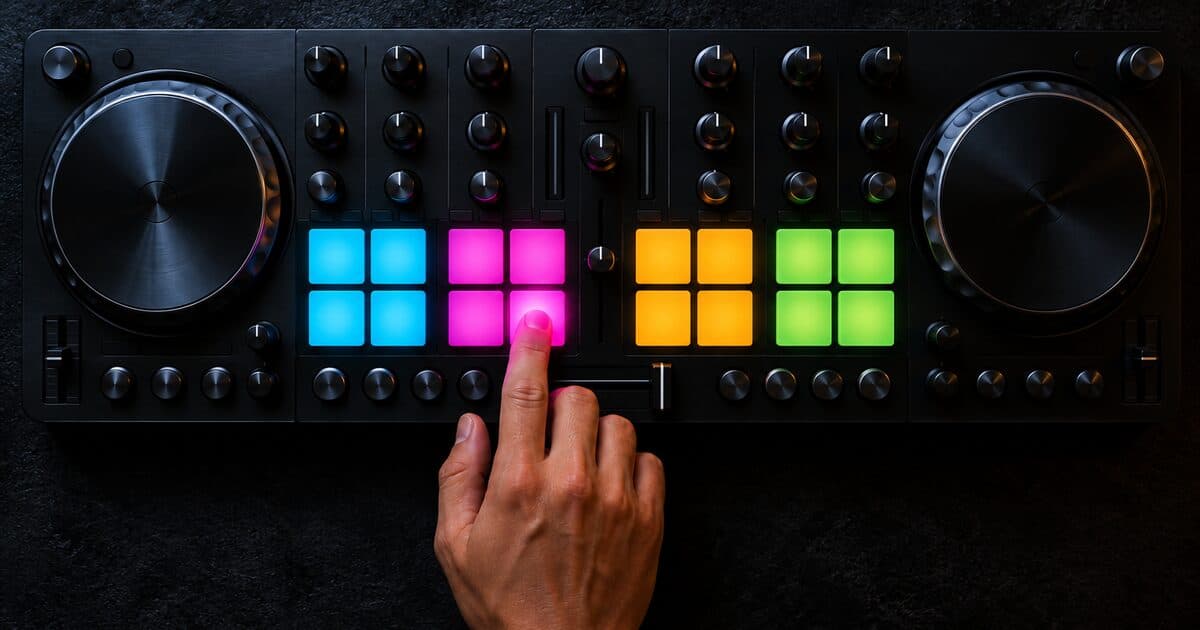
Stem-based DJing is no longer an experimental novelty - it's a core skill for any DJ who wants to move beyond track selection into actual live performance. Stems separate a track into isolated elements: typically drums, bass, melody, and vocals. Played back in sync, they reconstruct the full track. The power is in what you can do when they're decoupled: drop the bass at the moment a second track's bass comes in, keep a vocal running over a completely different instrumental, or strip a dense arrangement down to a single looping element to build tension before a drop.
The technical requirements depend on your software. Native Instruments Traktor Pro has played prepared stem files (.stem.mp4) since 2015. Real-time AI separation came later: VirtualDJ and djay Pro AI in 2020, Serato in 2022, rekordbox in 2023, and stem generation in Traktor Pro 4 in 2024. It means you don't need specially prepared files, but you accept some quality trade-offs in the separation. For the best results, dedicated stem files prepared in a controlled studio environment will usually outperform real-time AI separation.
In practice, the most effective use of stems in a club context is surgical rather than constant. Beginners often make the mistake of toggling stems throughout the entire set, which draws attention to the technique rather than the music. The DJs who integrate stems most effectively use them at specific structural moments: during long transitions where two basslines would conflict, at the peak of a build where dropping the kick amplifies anticipation, or during breakdowns where a single sustained vocal over silence creates more emotional impact than a full arrangement.
Building a stems-ready crate requires sourcing. Not every track is available in stem format, and AI-separated stems from standard files vary significantly in quality depending on the complexity of the source material. Dedicated stem packs - prepared by the producer from the original session - deliver cleaner separation, especially in the low frequency range where kick and bass often bleed together in AI processing. Prepared stem files are sold through some stores, such as Traxsource's STEMS section, but only some releases have them.
One underused application of stems is blend mixing - constructing a composite track from elements of two or three records simultaneously. A percussion stem from one track, a bassline from another, and a vocal from a third can coexist in a way that sounds like a track that doesn't exist yet. This approach requires strong beatmatching fundamentals and a clear mental model of what you want the audience to hear, but the results create moments that no single released track can replicate.
Start conservatively. Load stem-ready tracks into your set alongside your normal library and use the stem controls at one or two moments per hour where they'll have maximum impact. As your muscle memory develops for the controls, the technique becomes automatic rather than effortful. The goal is never to show the audience that you're using stems - it's to create a sound that wouldn't have existed without them.
What Stems Actually Give You
The value of stems is control. A normal stereo file forces the kick, bass, melody, and vocal to move together. Stems let you decide which element should lead the transition. That matters because most messy mixes are not caused by bad beatmatching. They are caused by too many important elements occupying the same space at the same time. Two basslines clash. Two vocals fight. A bright lead from one track covers the hook from another. Stems give you a way to remove the conflict without abandoning the mix.
For club DJs, the most useful stem controls are usually bass mute, vocal mute, and instrumental isolation. Bass mute prevents low-end collisions during long blends. Vocal mute creates cleaner transitions when two songs both have hooks. Instrumental isolation lets you keep the groove while removing a vocal that would otherwise date the moment or distract from the next track.
Dedicated Stem Files vs Real-Time Separation
There are two main ways DJs use stems. Dedicated stem files are prepared from the original production session or a high-quality separation process before the gig. They usually sound cleaner because the elements were intentionally separated and checked. Real-time separation, available in tools like Rekordbox, Serato, and newer performance systems, analyzes a normal stereo file and tries to isolate drums, bass, vocals, and melody on the fly.
Real-time stems are convenient, but they are not magic. Vocal isolation can leave watery artifacts. Bass separation can smear the kick. Melody stems can sound thin when the original track has dense effects or layered synths. In a bedroom practice session, those artifacts may seem minor. On a club system, they can become obvious. Use real-time stems for quick control and creative moments, but use dedicated stem packs when the track is important to your set.
The Three Best Stem Moves for Beginners
The first move is the clean bass swap. Start the incoming track with its bass muted, blend the drums and top end, then swap basslines on the phrase. This keeps the low end controlled and makes the transition sound intentional. It is useful in Vinahouse, Chinese Bounce, hardstyle, and house because the kick and bass carry so much of the energy.
The second move is the vocal carryover. Keep a vocal stem from the outgoing track running over the intro of the incoming track, then remove it before the new track's main hook arrives. This creates a recognizable bridge without overcrowding the drop. It works best when the keys are compatible and the vocal phrase is simple.
The third move is the breakdown strip. During a build or breakdown, remove drums or bass for four to eight bars, then bring them back with the drop. This makes the return feel larger without needing an extra effect. It is one of the safest ways to use stems because the audience hears a musical change, not a technical trick.
Mistakes to Avoid
The most common mistake is overuse. If every transition has a vocal isolation, a drum mute, and a bass swap, the set starts to feel like a demonstration. Stems should solve specific problems or create specific moments. They should not be active just because the controls exist.
The second mistake is trusting poor separation. If an isolated vocal sounds metallic in your headphones, it will not become clean on the main system. If a bass stem removes too much kick weight, your drop will feel smaller. Always test important stem moves on monitors before using them live.
The third mistake is forgetting gain staging. Muting and unmuting stems changes perceived loudness. A full track may hit harder than the same track with only drums and vocals active. Use channel gain and EQ deliberately, especially when rebuilding a track from multiple stems.
Preparing a Stems-Ready Crate
Do not try to convert your entire library. Start with the tracks you actually play. Pick 20 to 30 records that appear in your sets often, then identify which ones would benefit from stem control. Vocal-heavy tracks, dense low-end tracks, and records with long breakdowns are the best candidates.
Create tags for how you plan to use each one: bass swap, vocal bridge, breakdown strip, percussion loop, or live mashup. These tags are more useful than simply marking a track "stems." In the middle of a set, you need to know why the stem file exists.
For SEA bounce and Vinahouse, prioritize tracks with recognizable vocals, strong melodic hooks, and clean drum sections. Stems are especially useful when mixing Mandopop or Cantopop remixes because they let you preserve the familiar hook without fighting the next record's arrangement.
Practice Routine
A practical weekly routine is simple. Choose two tracks in compatible BPM ranges. Practice a normal transition first. Then repeat it with a bass mute. Then repeat it with a vocal carryover. Record all three versions and listen back without touching the gear. The recording will show whether the stem move improved the transition or only made it busier.
After that, practice emergency recovery. Load a track with a clashing vocal and use stems to fix the conflict quickly. Load two records with heavy low end and practice removing one bassline before the mix gets muddy. These drills matter because stems are most valuable when they help you recover control before the audience notices a problem.
Bottom Line
Stems are not a shortcut around fundamentals. They reward DJs who already understand phrasing, gain, key, and energy. Used carefully, they let you make cleaner transitions, build live edits, and create moments no single released track can provide. Used constantly, they become clutter. Start with a few reliable moves, test the audio quality, rehearse the recovery options, and let the music decide when the technique belongs. The best stem work sounds intentional before it sounds technical.
Stems sit alongside the other utility files worth carrying: intro edits, transition tools, acapellas, and drum loops. Our festival crate guide covers how to organize all of them by job rather than by genre. And because only some releases come with prepared stems, and not every store sells them, it is worth knowing where DJs actually buy tracks and DJ tools before you go looking.
Find ready-to-play edits and remixes on MixGrid →
Frequently asked questions
What does "stem" mean in DJing?
A stem is one isolated element of a track — typically drums, bass, melody, or vocals — separated out so you can play it on its own. Played back in sync, the stems reconstruct the full track. Decoupling them lets you mute, isolate, or swap individual parts mid-mix.
What are DJ stems used for?
Stems give you control over individual track elements during a mix. The two main approaches are using dedicated stem files prepared before the gig, and real-time separation that isolates parts on the fly. Common moves: muting bass to avoid low-end clashes, carrying a vocal over a new track, or stripping a breakdown to one element before the drop.
How do DJs get stems for a DJ set?
Two ways. Dedicated stem files are prepared from the original production session and sold through stores such as Traxsource's STEMS section — they separate cleanest. Alternatively, software like Rekordbox and Serato generates stems in real time from any standard stereo file using AI, with some quality trade-offs in the separation.
What are the 4 types of stems?
There is no single standard, but the common four-way split is drums, bass, melody (or instrumental) and vocals: Serato separates vocals, melody, bass and drums, rekordbox offers vocal, instrumental, bass and drums, and Native Instruments' Stems files carry four producer-chosen parts plus the full mix. Played in sync they rebuild the complete track. For club DJing the most useful controls are bass mute (stops low-end collisions), vocal mute (cleaner transitions between two hooks), and instrumental isolation (keep the groove, drop the vocal).
Which DJ software has stems?
Traktor Pro has played Native Instruments' Stems files (.stem.mp4) since 2015, and Traktor Pro 4 added its own stem generation in 2024. AI separation of ordinary files arrived in VirtualDJ and djay Pro AI in 2020, Serato DJ Pro in 2022 and rekordbox in 2023, so you no longer need specially prepared files, at some cost in separation quality. Dedicated files prepared in the studio usually still separate cleanest.
How do you use stems in a DJ set?
Use them surgically, not constantly. Apply stem controls at one or two structural moments per hour for maximum impact: mute the incoming bass during a long blend then swap basslines on the phrase, carry a vocal over the next intro, or strip drums for four to eight bars in a breakdown so the drop hits harder.
Related reading
Take Your DJ Sets Further
Browse remixes, edits and originals for Southeast Asian club sets, from independent DJs and producers.
Explore MixGrid →